What is knowledge-mcp?
knowledge-mcp helps your AI assistant revise documents, work through new notes and organize files in your knowledge base. It gives your assistant instructions for each kind of document, plus context, change plans and edit history. Your assistant still does the reading, drafting and editing with its own tools. knowledge-mcp isn’t an assistant, and it doesn’t store your files. In a codebase, it helps with documentation and records, not with running code.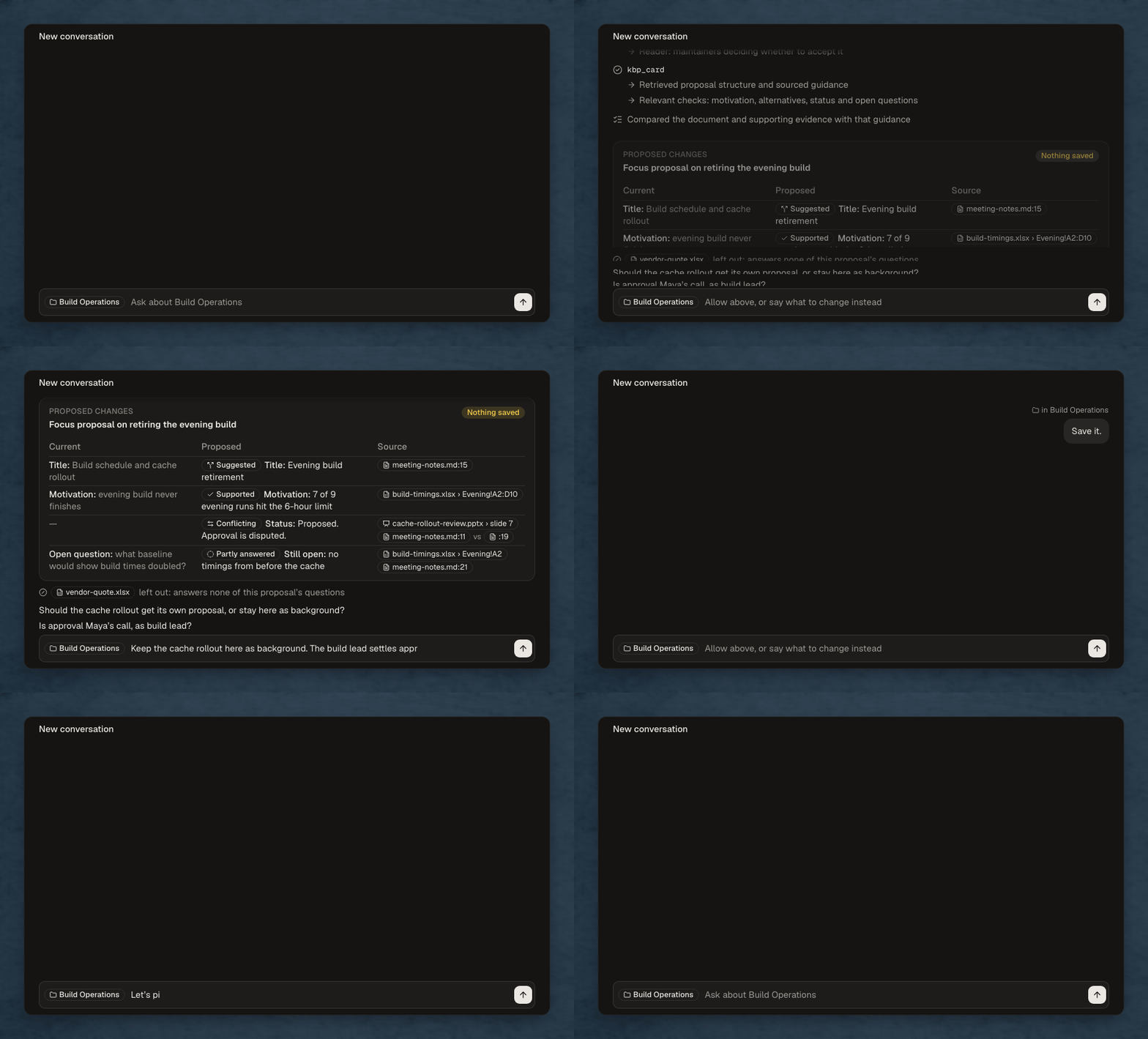
How it works
1
Get oriented
Ask your assistant what this folder is about and where to start. It answers from the definitions already in your knowledge base.
2
Start work
Ask it to revise a document or help you with your notes.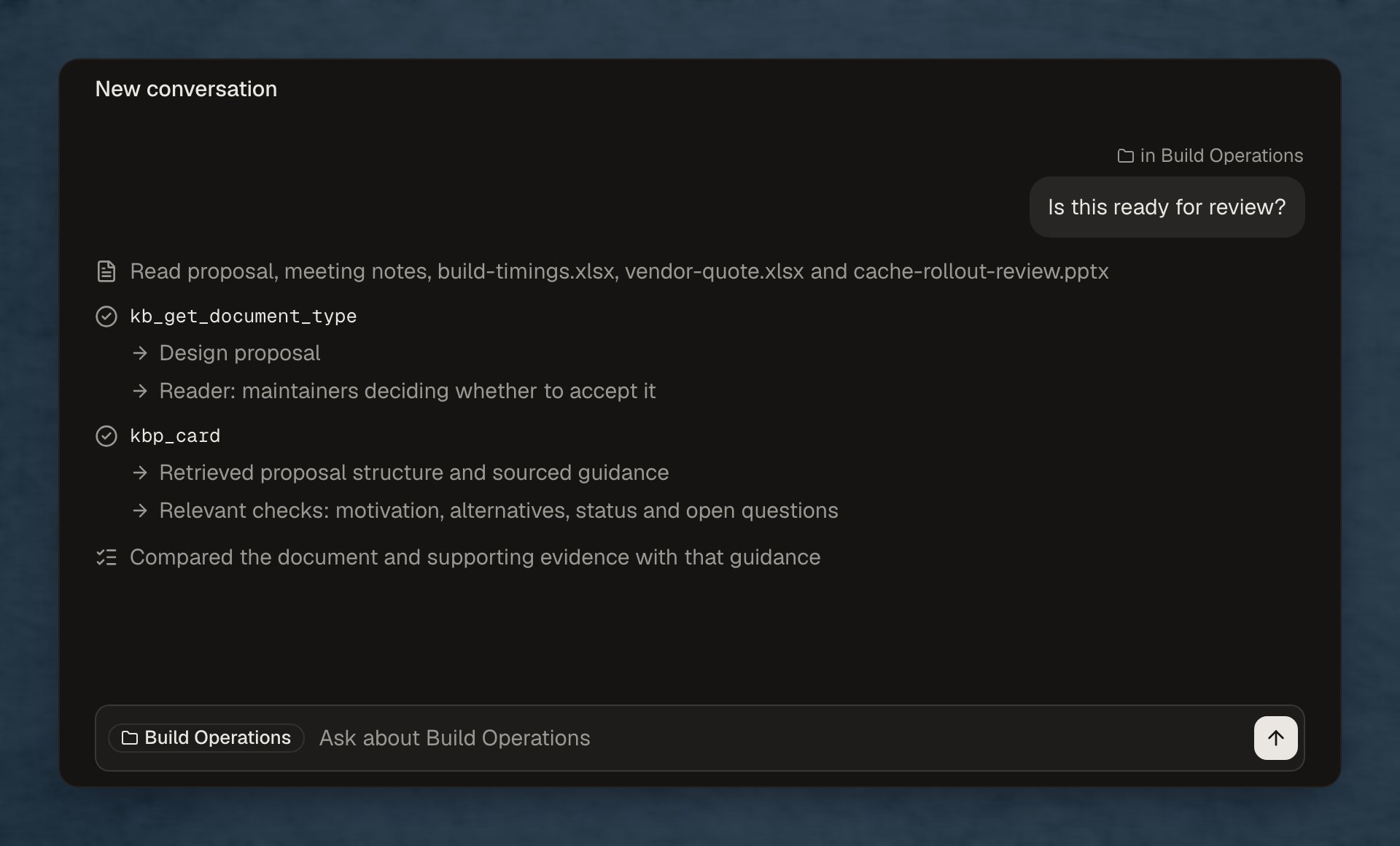
3
Answer questions
Your assistant checks the instructions that apply and asks you about anything that’s unclear.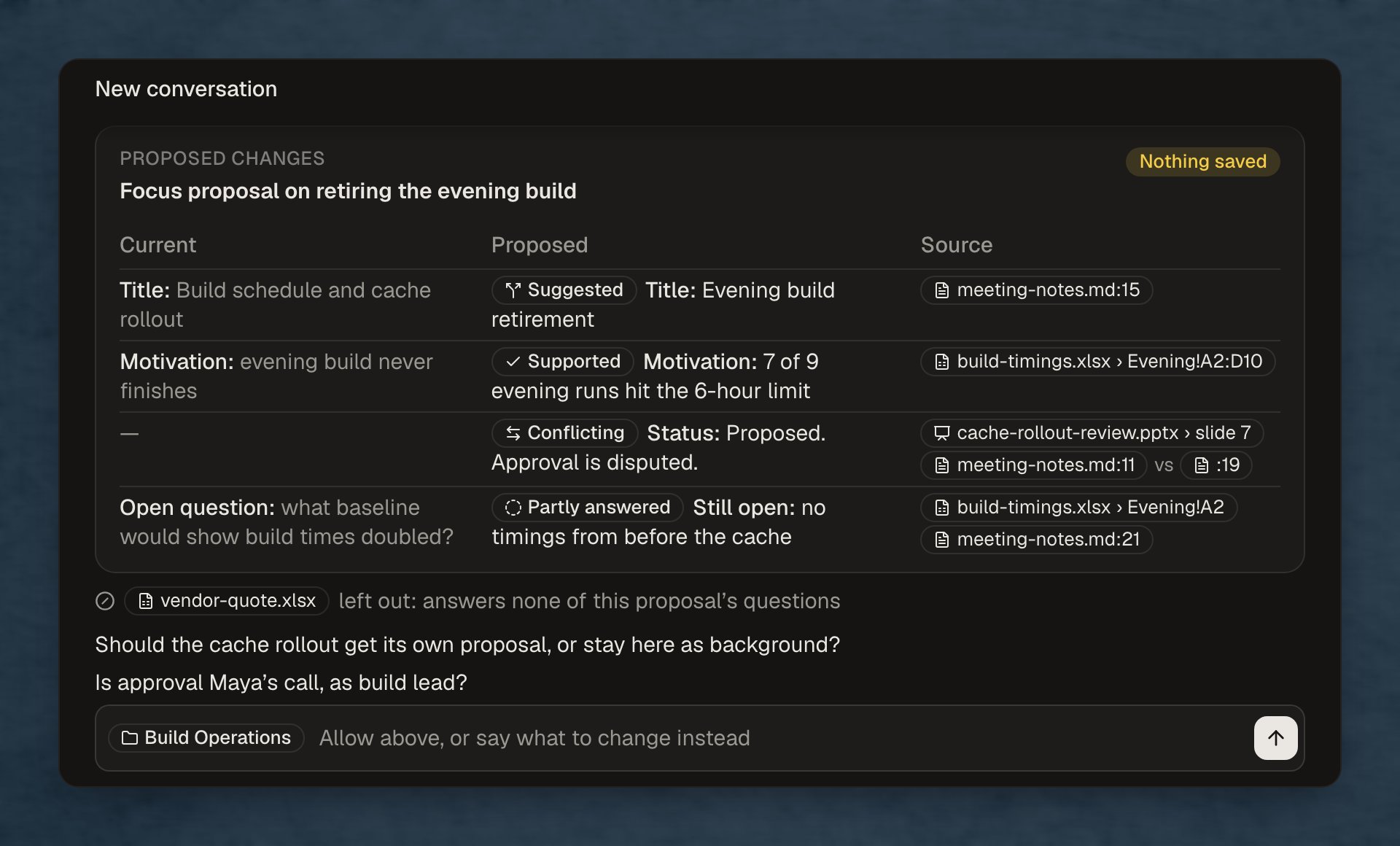
4
Review changes
Check the new text, its sources and which file it goes in. Your assistant waits for your approval before saving it.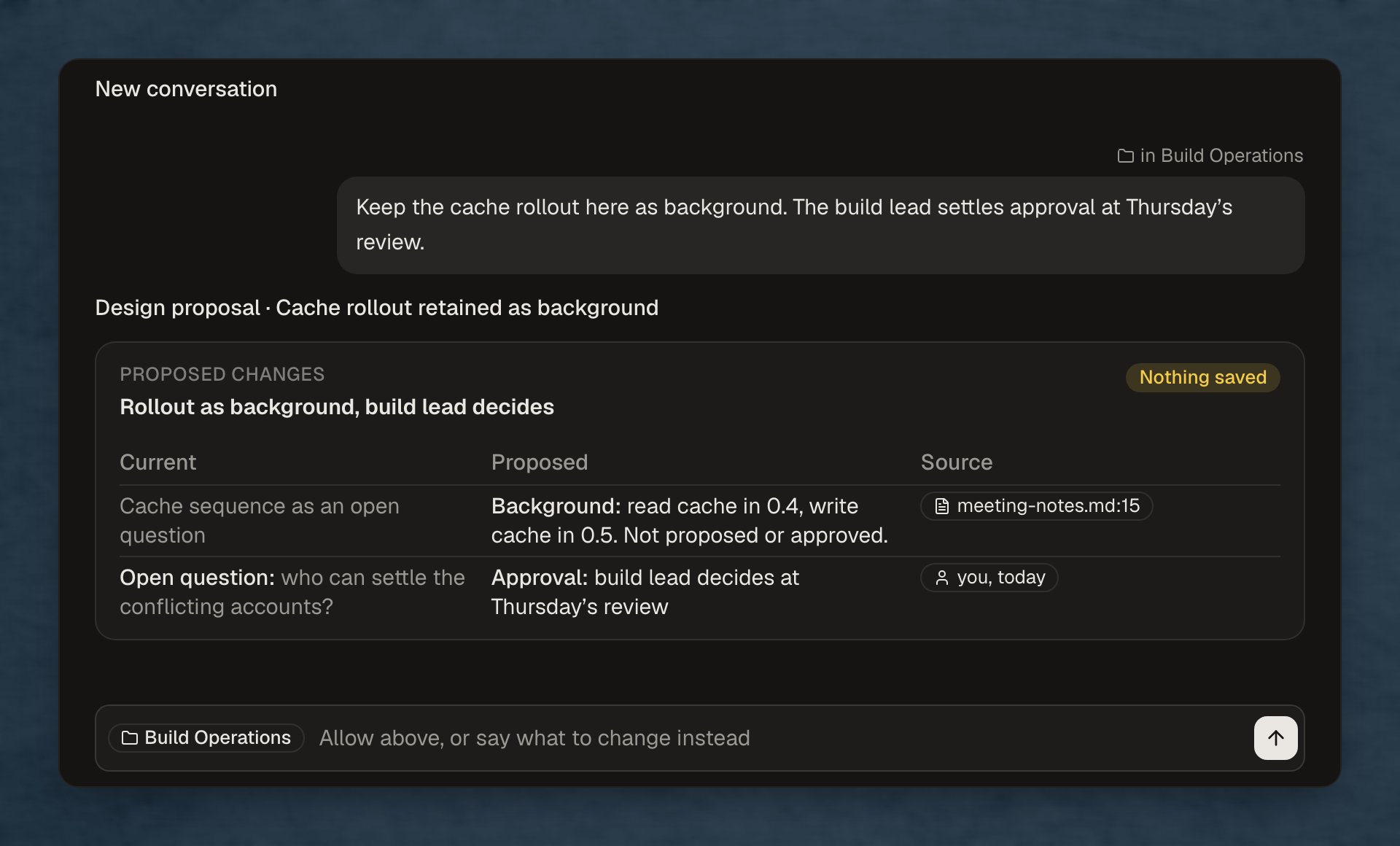
5
Continue later
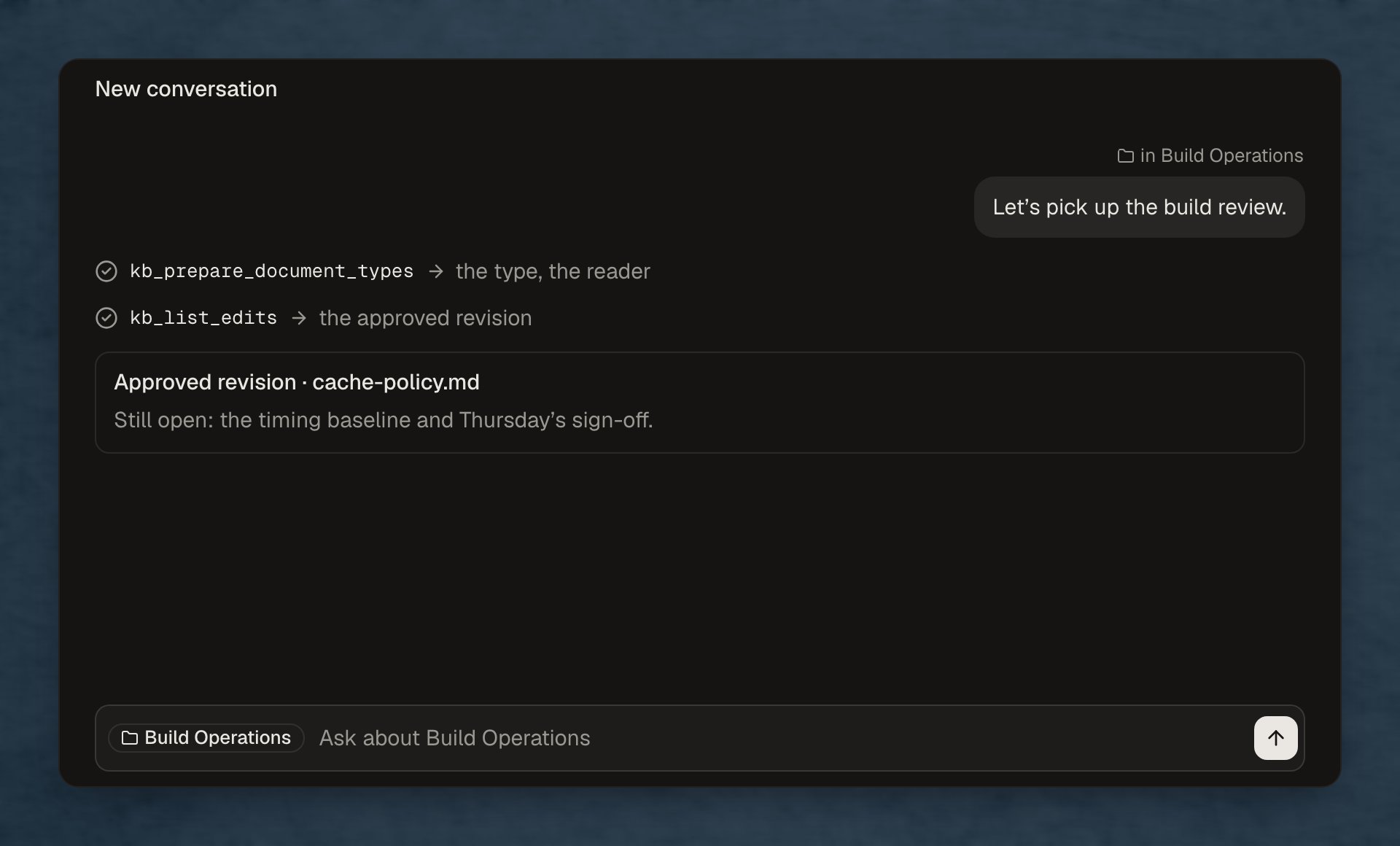
Your assistant saves document settings and records each edit, so you can come back to this knowledge base later and carry on.